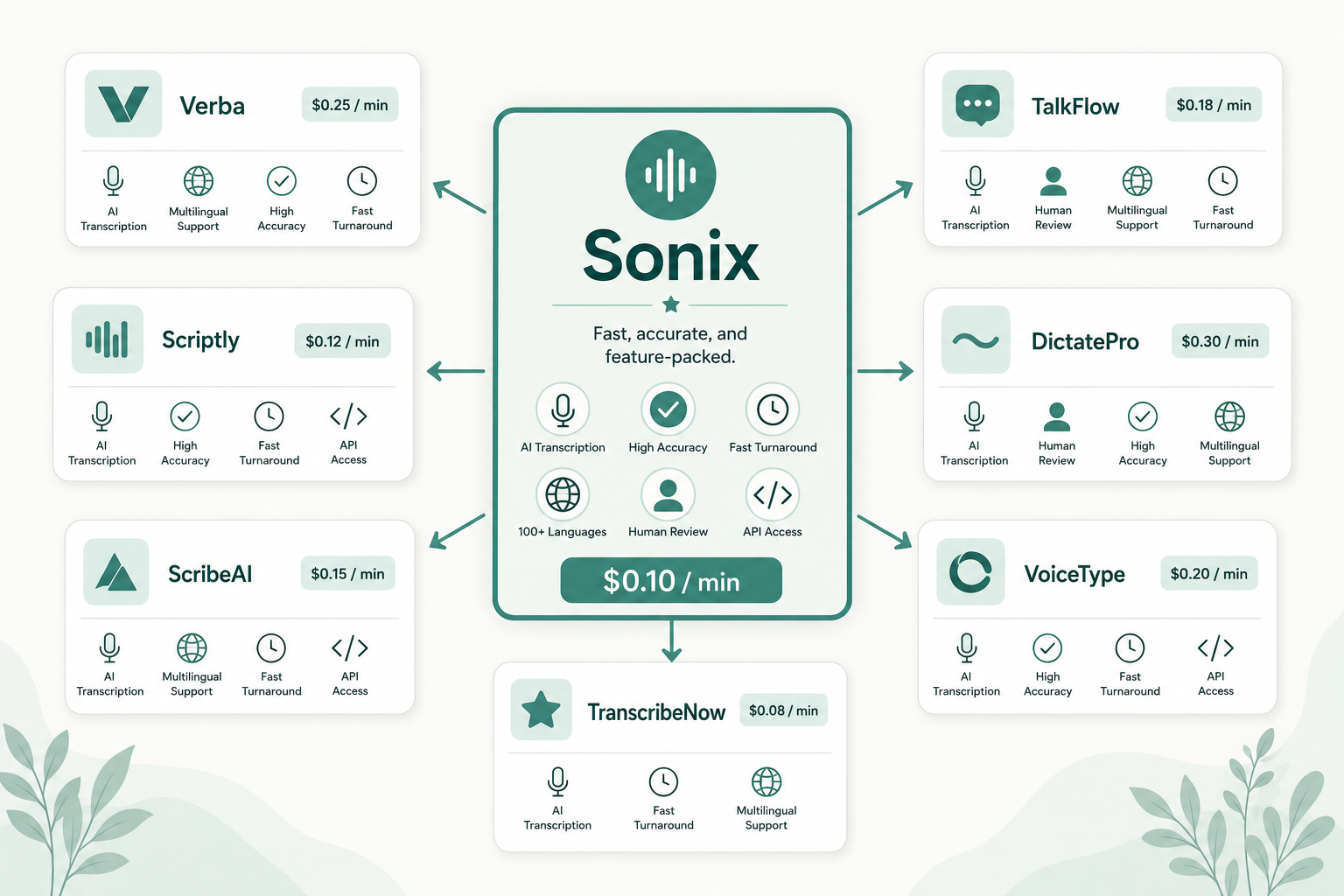
Sonix has been a go-to for transcription for years, but it's not the right pick for everyone. The per-hour pricing adds up fast on long-form audio, the speaker labels still need cleanup, and the editor overlaps with what a free tool like Otter already offers. If you're hitting the limits or the bill, there are real options.
Here are seven of them. None is "the best" in absolute terms. The right pick depends on whether you care more about accuracy, price, collaboration, or human-grade review.
Who should consider leaving Sonix?
The honest answer: anyone whose volume doesn't match the pricing model. Sonix charges per hour of audio, with a meaningful discount if you commit to a subscription. That works if you transcribe a steady volume each month. It hurts if you transcribe in bursts: a researcher with a six-week interview push, a journalist on one big project, a podcaster who batches a season.
You should also consider switching if you only need transcripts (not the editor), if your workflow is multilingual and Sonix's language quality isn't holding up, or if your team needs collaboration features beyond shared folders. For a deeper look at where Sonix's pricing actually lands, see Sonix pricing.
What Sonix gets right (and where it stings)
Sonix's web editor is one of the better ones in this category. The transcript-audio sync feels native, and exports cover most production needs (VTT, SRT, DOCX, CSV). Accuracy on clean US English is competitive with the major AI services. Multilingual support is broad on paper.
Where it stings:
- Cost. The standard rate is around $10 per audio hour, with discounts via the monthly subscription. Long-form work adds up.
- Speaker labels. Diarization is decent but not infallible. You'll still clean up names and turns.
- Editor lock-in. If you just need the transcript file to feed another tool, paying for an editor you don't use feels wasteful.
The 7 alternatives, side by side
| Tool | Pricing shape | Best for | Catch |
|---|---|---|---|
| VTS | Pay-as-you-go, ~$0.04/min | Solo, bursty workloads, no subscription | Newer site, lighter editor |
| Otter | Free tier; Pro from ~$17/mo | Live meetings, US English | Limits on free; weaker for non-English |
| Rev | $0.25/min AI; $1.50/min human | Human-grade accuracy on demand | Human turnaround is slower |
| Descript | Free; paid from ~$24/mo + AI credits | Editing audio/video where the transcript drives the cut | Heavier app, learning curve |
| AssemblyAI | API, from ~$0.12/audio hour | Devs building transcription into a product | No editor; API only |
| Deepgram | API, ~$0.26/audio hour (Nova) | Real-time and streaming at scale | API-only, dev work required |
| Happy Scribe | Per-minute and subscription | Multilingual; human review option | Pricing complexity |
Pricing is approximate as of 2026; check each vendor's page for current rates. All linked at the end.
Picking by workflow, not by feature list
Building a product on top → AssemblyAI or Deepgram. The dev-first APIs lead on benchmark-clean audio. They publish their numbers. You give up the polished editor in exchange for raw model quality. For accented English specifically, these models still lag on heavier accents — see accuracy on accented English.
Editing audio or video by transcript → Descript. It's the multimedia editor that happens to include transcription. If your team comments on transcripts and edits audio by editing text, Descript fits. If you only need the transcript file, you're paying for software you don't use. See Descript alternatives for transcript-only picks.
Human-grade accuracy → Rev. Still the easiest way to get a human-verified transcript without finding your own contractor. The cost is real, and turnaround is in hours not seconds. But for legal exhibits, broadcast captions, and anything where accuracy is the contractual deliverable, it's the safest pick. See Rev alternatives if you want similar quality at a different price point.
Bursty, no-subscription workloads → VTS. Disclosure: this is us. VTS is built for people who transcribe in bursts and don't want a subscription clock running between projects. You upload a file, you pay for the minutes, you get the transcript. No seats, no plans, no monthly minimum. For the head-to-head, read VTS vs other transcription services.
Live meetings and capture → Otter. Strong free tier, solid US English, weaker on non-English audio.
Multilingual workflows → Happy Scribe. Broader language coverage and an optional human-review tier on top of the AI output.
How accuracy actually compares
Benchmarks are a trap. The accuracy headline a vendor publishes is on their best-case audio: studio mic, US English, clean turn-taking. Real audio rarely looks like that. What changes accuracy in practice:
- Audio quality. Mic gain, room reflection, distance from the source.
- Number of speakers. Two-person interviews are easier than focus groups.
- Accent and dialect. All models weaken on non-native English and on regional dialects.
- Domain vocabulary. Medical, legal, and technical terms still trip up general models.
Pick the model that's strongest on the audio you actually have, not the audio in the vendor demo.
So which one should you pick?
A simple decision tree:
- You ship a video or podcast and edit by transcript → Descript.
- You build a product on top → AssemblyAI or Deepgram.
- You need human-verified accuracy → Rev.
- You transcribe in bursts and hate subscriptions → VTS.
- You live in meetings and want live capture → Otter.
- Your audio is multilingual → Happy Scribe.
- You're happy with Sonix's editor and the volume math works → stay.
There's no universal best. There's just the one that fits your actual workflow and your actual audio.
Paste any public link or upload a file and get a clean transcript in minutes. First 3 clips every month are on us — no card required.



