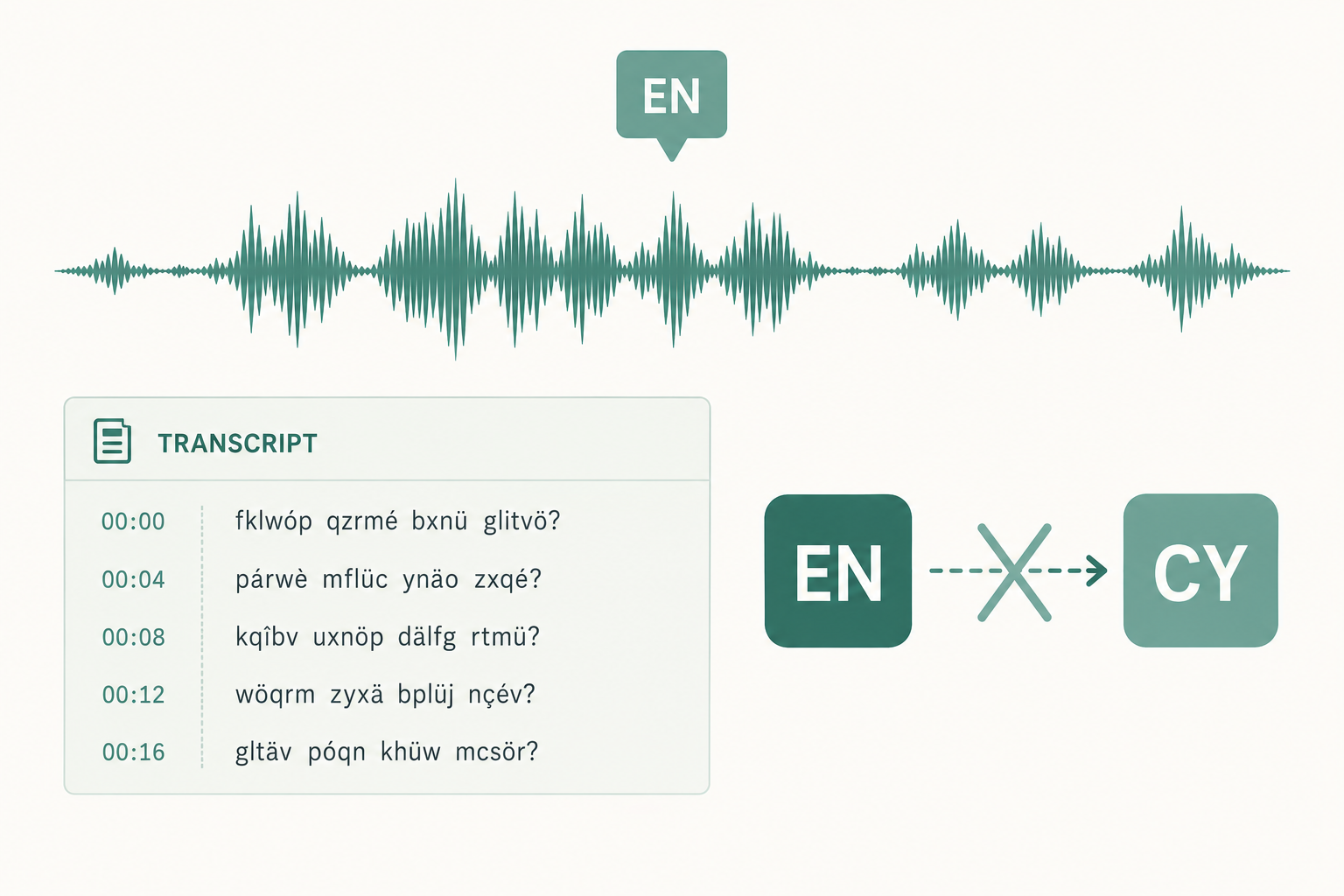
Whisper just labeled a perfectly normal English meeting as Welsh, ran the entire 45-minute file through the Welsh transcription path, and handed back something that looks like screen-reader spam. The good news: this isn't random, and the fix is usually one flag.
The fastest fix: set the language explicitly
If you know what language the audio is, don't let Whisper guess. Pass it:
whisper meeting.wav --language en
In Python:
model.transcribe("meeting.wav", language="en")
In faster-whisper:
segments, info = model.transcribe("meeting.wav", language="en")
That single argument prevents the misdetection behind most "wrong language" tickets. The rest of this post is for two cases: you have a stack of files and genuinely don't know the languages, or you've already set the language and it's still coming out wrong.
Why Whisper guesses a language at all
Whisper's language detector isn't a separate model. The same encoder that does transcription also predicts a language token at the start of decoding. It bases that prediction on the first 30 seconds of the audio's mel spectrogram, then locks that language in for the rest of the file.
So whatever's in those first 30 seconds decides the language for the next 45 minutes. That's the source of every cause below.
Cause 1: A music or silence intro
Podcast bumpers, hold music on a Zoom call, an intro sting before anyone talks — Whisper has been known to label these as Welsh, Norwegian, Hawaiian, or Korean because the harmonic structure looks vaguely like sung phonemes to the encoder. The "Welsh hallucination" on intro music is a well-documented community quirk.
How to confirm: trim the first 30 seconds and re-run. If detection flips back to correct, the intro was the problem.
The fix: either pass --language or strip the non-speech off the front. Related on why pre-trimming matters: why Whisper skips words sometimes.
Cause 2: A long silence before the first speaker
Same root cause without the music. If the recording starts with 15 seconds of room tone before anyone says a word, the detector has nothing useful to look at and falls back to a low-confidence guess that's frequently wrong.
The fix: --language en (or whatever you know it is). If you must auto-detect, trim leading silence first with sox, ffmpeg's silenceremove filter, or a voice-activity step.
Cause 3: Code-switching at the top of the file
The first speaker says "let's circle back on the OKRs" but in French. Or they drop three Mandarin product names before switching to English. The detector sees the first language and runs the whole file through that model.
The fix: lock to the dominant language with --language. For genuinely multilingual audio, segmenting the file matters more than the language flag — see how to handle multilingual transcription for the segmenting approach.
Cause 4: A heavy accent in the first speaker
Whisper's transcription head handles accented English reasonably well. The language detector — which is essentially the same encoder's first decoded token — does not. Common misfires:
- Strong Scottish or West African English → Welsh
- Caribbean English → Haitian Creole
- Heavy Indian English on a sentence with Hindi loanwords → Hindi or Urdu
- Eastern European English → Russian or Polish
If your first speaker has a strong accent and the detector keeps switching, the model isn't broken. It's doing what the architecture allows. Set the language manually.
Cause 5: Runtime defaults differ (openai-whisper vs faster-whisper)
If detection got worse after you switched runtimes, the defaults differ:
openai-whisper: 30-second language detection window, no VAD by default.faster-whisper: same window, but an optional VAD pre-pass. With VAD on, it sometimes skips past the noisy intro and detects correctly — and sometimes trims real speech and detects worse.whisper.cpp: defaults to auto-detect; pass-l ento lock it.
If you're picking between runtimes, Whisper vs faster-whisper compared covers the trade-offs in more detail.
When you should never auto-detect
Auto-detect is a convenience for one scenario: a folder of mixed-language files you haven't sorted. For everything else — meetings, interviews, podcasts you control, anything you know in advance — set the language. The cost is one flag. The downside of getting it wrong is the entire transcript rendered in a language nobody on the call actually spoke.
If you'd rather not babysit a pipeline at all, run the file through a managed transcriber instead. Production services typically use a dedicated language detector that doesn't have the 30-second cliff.
Paste any public link or upload a file and get a clean transcript in minutes. First 3 clips every month are on us — no card required.
Sources
- OpenAI Whisper repo (language argument and decoding options): github.com/openai/whisper
- faster-whisper repo (VAD options and language detection behavior): github.com/SYSTRAN/faster-whisper
- Radford et al., "Robust Speech Recognition via Large-Scale Weak Supervision" — the Whisper paper: cdn.openai.com/papers/whisper.pdf



