Descript runs $0 to $50+ per editor per month, with the cheapest paid tier starting around $12–16/month when billed annually. The free plan covers light use; serious podcasters and video teams usually end up on Creator or Pro, and unlimited transcription only unlocks on Business.
That's the short answer. The longer one matters because the headline subscription isn't where Descript bills usually grow. Transcription hour caps, per-seat pricing, and AI features gated behind Pro all push real teams onto bigger plans than they expected when they signed up.
Here's what each tier actually costs, what it includes, and where the surprise charges hide.
How much does Descript cost in 2026?
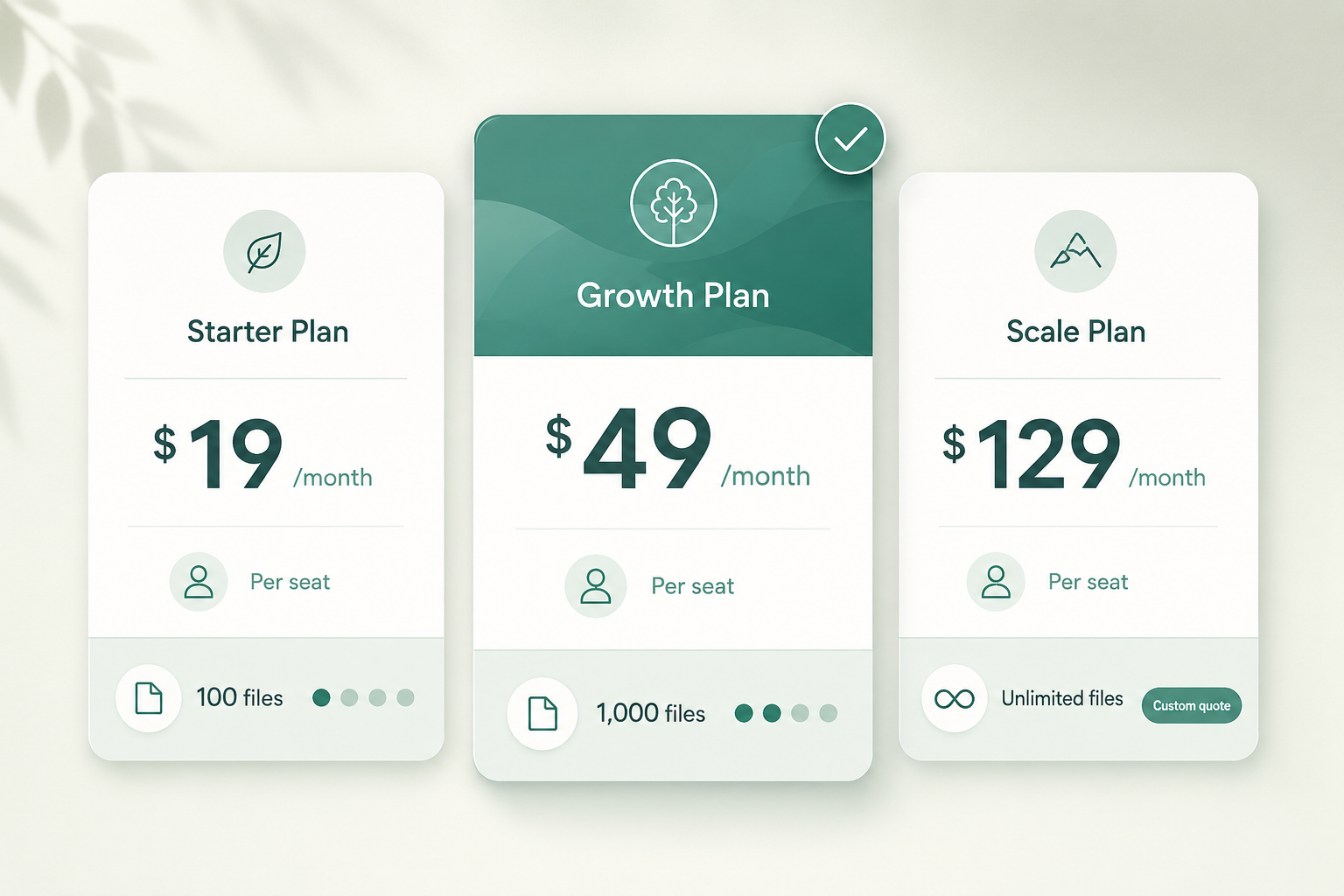
Four public tiers plus enterprise, billed monthly or annually (annual is roughly 25–33% cheaper depending on the plan). All prices below are per editor seat per month when billed annually; monthly billing runs higher.
| Plan | Annual price (per editor) | Transcription | Best for |
|---|---|---|---|
| Free | $0 | ~1 hr/month | Trying it out |
| Hobbyist / Creator | ~$12–16 | ~10 hr/month | Solo podcasters, casual video |
| Pro | ~$24–30 | ~30 hr/month | Active creators, full-time podcasters |
| Business | ~$40–50 | Unlimited | Teams, agencies, studios |
| Enterprise | Custom | Unlimited | Larger orgs with SSO/SOC 2 needs |
Numbers above reflect Descript's public pricing page at time of writing — tiers and limits have shifted more than once in the last 18 months, so verify the current page before you commit.
What's included in the free plan?
Enough to test the workflow on one real episode and not much more. Expect roughly an hour of transcription per month, basic editing, Studio Sound on a limited number of clips, and watermarked exports for some AI features. Cloud storage is capped, and the better AI tools sit behind paid tiers.
If you're transcribing a single short episode or a short interview to see if the edit-by-text model clicks for you, Free is genuinely usable. For ongoing work, you'll hit the hour cap inside the first week.
Which Descript plan should I pick?
A simple way to decide:
- Solo podcaster, weekly 30-minute episode → Creator. You'll use 4–6 hours of transcription a month with re-takes.
- Full-time creator or video team, weekly long-form → Pro. The 30-hour pool covers most workflows including b-roll passes.
- Agency or studio editing for multiple clients → Business. The unlimited transcription is the whole reason; per-seat math matters less than not getting throttled.
- Anyone who only needs the transcript itself → don't pay for Descript at all. See Descript alternatives if you only need transcripts.
The most common upgrade path is Creator → Pro when episodes go from one to two a month, or when you start cutting longer-form video.
What are Descript's hidden costs?
Three places the bill grows beyond the sticker price:
Transcription overages. Hour caps reset monthly and don't roll over. There's no clean per-minute overage rate the way Rev or Sonix offer; if you blow past your hours, the practical fix is upgrading a tier (or waiting for the next billing cycle). For per-minute math across vendors, see how much AI transcription actually costs.
Per-seat pricing. Every editor on a project counts. A two-person podcast on Pro is $48–60/month, not $24–30. Producers, assistants, and freelance editors each need their own seat for collaborative editing.
AI feature gating. Overdub voice cloning, Studio Sound on long clips, AI green screen, AI eye contact, and the better AI voices either require Pro+ or consume credits that reset monthly. If you rely on Overdub to patch mistakes after the fact, plan around Pro at minimum.
A fourth, quieter cost: storage. Free and lower tiers cap cloud storage in the single-digit gigabytes, and Descript projects with multi-track video get fat fast.
Are there cheaper alternatives to Descript?
If you want the full editor + transcription combo, Descript is roughly priced with peers — there isn't a $5/month editor that does the same thing. The cheaper paths are:
- Transcript-only: pay per minute or per hour and edit in the tool you already own. A budget AI service runs $0.10–0.25/minute; a strong AI service runs $0.25–0.50/minute. Best AI transcription services compared lays out the per-minute math.
- Free for one-offs: most transcription vendors give 30 minutes to a few hours free; rotating through them works for a single project. There's a tradeoff in accuracy and watermarks — see what free AI transcription actually gets you.
- VTS: pay-per-minute without a subscription. If you're editing audio in another tool and only need the transcript itself, you can transcribe a file in your browser and pay only for what you ran.
Is Descript worth it for transcription alone?
No, and Descript would probably agree. The product is an editor that happens to include transcription, not a transcription tool that happens to include editing. If you're not editing inside it — cutting clips by deleting words, recording multi-track, doing screen recordings — you're paying mostly for features you won't use.
If you are editing in it, the transcription quality is fine for English clean audio and degrades on heavy accents, multilingual recordings, or noisy field audio in roughly the same ways most AI tools degrade. Don't pick the plan based on transcription accuracy; pick it based on hours and seats.
Paste any public link or upload a file and get a clean transcript in minutes. First 3 clips every month are on us — no card required.
The honest verdict
For solo podcasters and small video teams who want one tool that records, transcribes, and edits, Creator or Pro is fair value. For teams over three people, Business almost always wins on math because per-seat pricing on Pro scales worse than unlimited transcription on Business. For anyone who just needs the words on the page, pay per minute somewhere else and use the editor you already own.
The single most useful question to ask before subscribing: "in the next twelve months, will I record more than ten hours of finished audio per month?" Answer yes, go Pro or higher. Answer no, Creator (or Free plus a per-minute transcription service) is plenty.