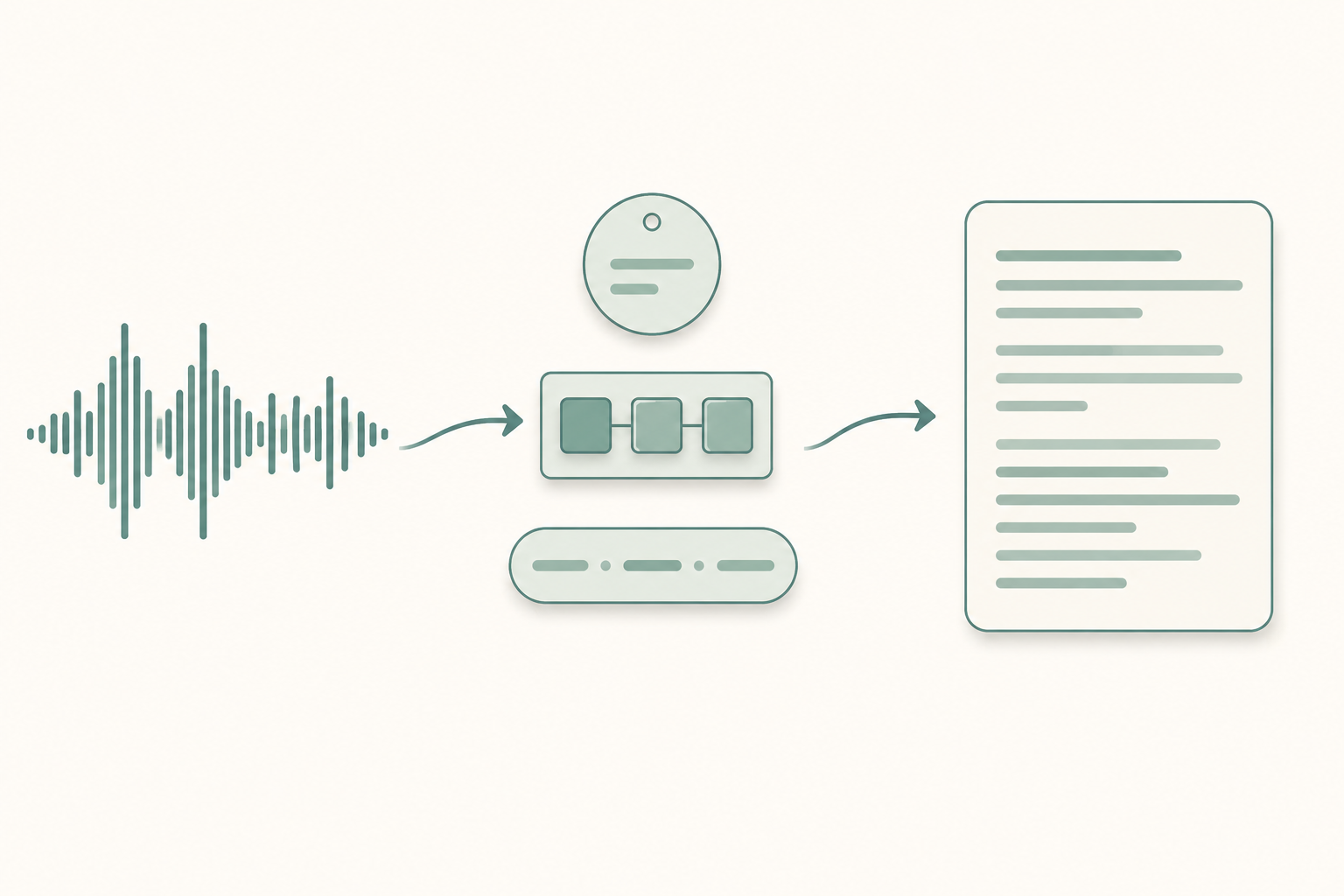
Your AI transcript just spelled your CEO's name three different ways. It turned "API" into "ape eye" once, "A.P.I." twice, and "API" only when it felt like it. Every medical term in that ten-minute call came out wrong.
The fix isn't switching engines. It's a small text file — a custom vocabulary — that almost every major speech-to-text API already accepts. You list the words your audio contains. The model biases its output toward those tokens. This post is the template.
Skip to the template if you just want to grab it. Otherwise, read on.
- A custom vocabulary is a flat list of proper nouns, acronyms, and jargon you pass with each transcription request.
- Deepgram, AssemblyAI, AWS Transcribe, Google STT, and Whisper all accept one — different parameter names, same idea.
- It fixes recognition, not formatting and not audio quality. Keep the list under a few hundred entries, mostly proper nouns.
When a custom vocabulary actually helps
Custom vocabularies move the needle in four cases:
- Proper nouns: people, brands, products, place names the model has never seen.
- Acronyms: especially ones pronounced as letters (API) versus words (SaaS). The model routinely confuses the two.
- Domain jargon: medical terms, legal Latin, niche technical vocabulary.
- Domain homophones: "stent" vs "scent" in a cardiology call, "counsel" vs "council" in a court hearing.
They don't fix bad audio, accented speech the model genuinely can't parse, or speaker labeling. We've written separately about why AI transcripts get names wrong and how accurate AI transcription is for accented English. If your problem lives in those buckets, a vocabulary file won't help much.
The template (copy this)
Save the block below as vocabulary.txt. One term per line. Drop the category headers if your API doesn't allow comments — most ignore lines starting with #, but check.
# === People (replace with your real names) ===
Ananya Krishnan
Tomáš Novák
Siobhán O'Reilly
Mx. Quinn Park

# === Brands and products (yours + ones you mention) ===
Webflow
Kubernetes
PostgreSQL
Tailwind CSS
PagerDuty

# === Acronyms (pronounced as letters) ===
API
SDK
JWT
CTO
QA

# === Acronyms (pronounced as words / mixed) ===
SaaS
WYSIWYG
JSON
GIF

# === Technical jargon ===
idempotent
WebAssembly
RAG pipeline
backpressure
sharding

# === Medical example (replace with your domain) ===
metoprolol
electroencephalogram
COPD
PRN
NPO

# === Legal example (replace with your domain) ===
voir dire
res ipsa loquitur
mens rea
deposition
subpoena duces tecum
Strip the categories you don't need. Add the words your calls actually contain. Keep the list under a few hundred entries unless your engine specifically supports more — bigger isn't better here.
How to format it for each major API
Same words, different wrappers.
- Deepgram — pass terms via the
keytermparameter (Nova-3) or the olderkeywordsquery parameter. One term per parameter. Boost values are optional and rarely worth tuning. - AssemblyAI — a
word_boostarray on the request, plus an optionalboost_paramoflow,default, orhigh. - AWS Transcribe — upload a Custom Vocabulary (table or list format) once, then pass
VocabularyNameon eachStartTranscriptionJob. The table format lets you give a display version (API) and a sounds-like spelling (ay pee eye) separately. - Google Cloud Speech-to-Text —
SpeechAdaptationwith aPhraseSet. You can supply phrases (not just single words) and per-phrase boost values from 0 to 20. - OpenAI Whisper API — there's no formal vocabulary endpoint. Use the
promptparameter (up to 224 tokens) and seed it with a comma-separated list of your proper nouns. It biases decoding for that segment.
If you're running Whisper yourself, the same initial_prompt trick applies. We covered the engine choice in Whisper vs faster-whisper.
What to put in (and what to leave out)
Be picky. The list is a lever, not a dictionary dump.
- Include: every proper noun that matters, every acronym the speakers use, every domain term you can predict. Add common variants if speakers say them differently ("Postgres" and "PostgreSQL," "K8s" and "Kubernetes").
- Leave out: ordinary English words. Adding "transcription" or "meeting" makes the bias work harder on words that didn't need help and can hurt accuracy elsewhere.
- Watch for: spellings the engine has to learn (Tomáš, Siobhán). Provide the exact display form you want back. Most engines case-fold internally, but the returned casing follows what you supplied.
- Don't dump a thousand-line glossary. Past a few hundred entries you start to see odd substitutions where unrelated audio gets pulled toward a vocab word. Quality over volume.
How to test that it actually worked
Don't trust the parameter set. Verify.
Pick a 60-second slice of a real call that contains five or six of your hard words.
Transcribe it once with no vocabulary attached. Note every miss.
Transcribe it again with the vocabulary attached. Diff the two outputs.
If a target term is still wrong, check the engine's docs for casing or boost rules. Google and AWS are case-sensitive in places people don't expect.
If the misses don't budge at all, the vocabulary isn't being attached to the request — the parameter name is silently ignored when you misspell it. We see this constantly.
This is the same measurement loop we describe in transcription accuracy: what to expect and what is Word Error Rate. Change one variable, measure again.
What custom vocabularies won't fix
The cases where you need a different fix:
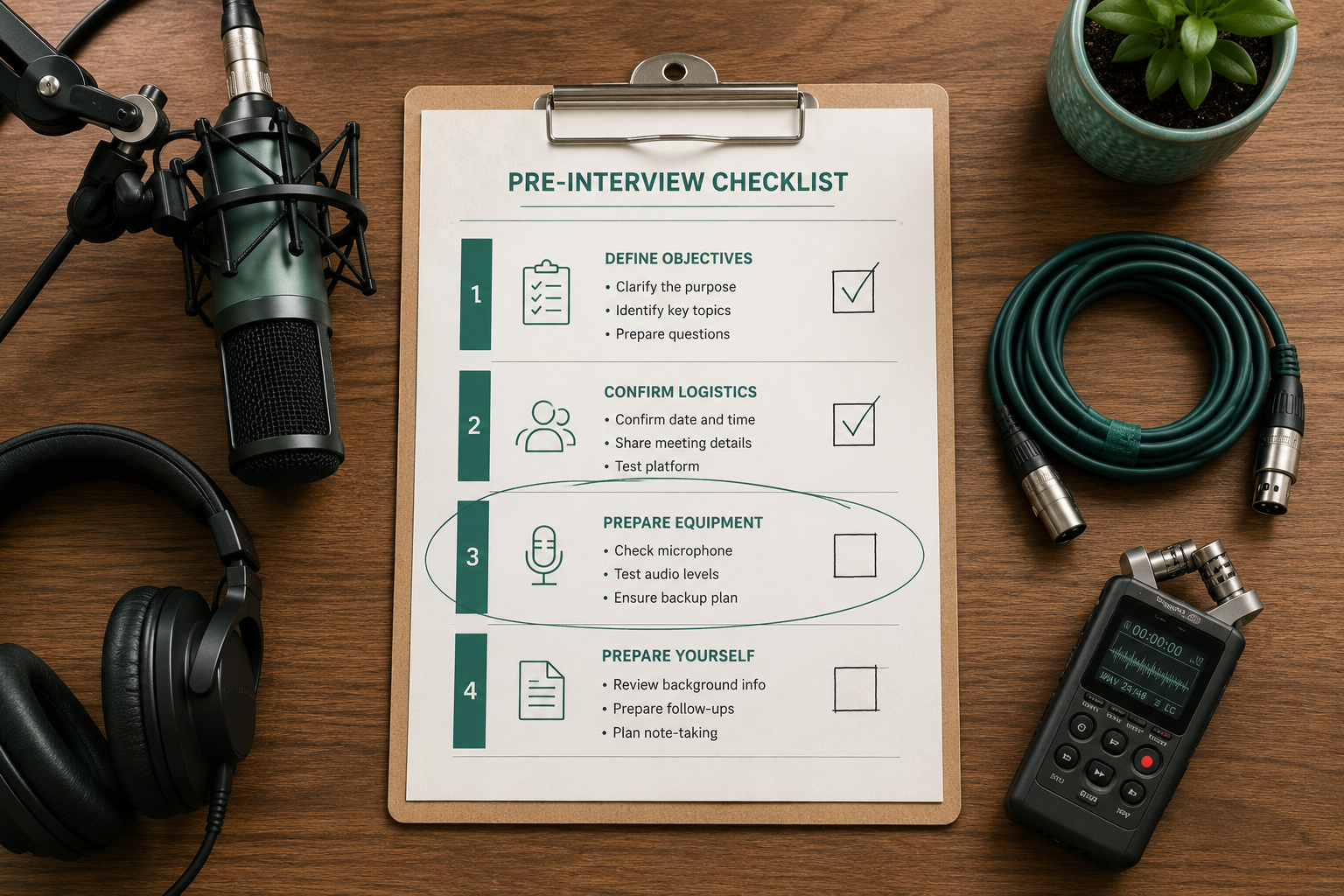
- Mumbled or low-volume audio — fix the recording. The interview recording checklist is a good start.
- Two voices on the same channel — that's diarization, not vocabulary. See what is speaker diarization.
- Heavily accented English the model genuinely can't parse — vocabulary helps with named terms, not phonetics.
- Random hallucinations on long silences — Whisper-specific. See Whisper hallucinations.
If you'd rather not wire this up yourself, you can transcribe a file with VTS and we'll handle the engine selection and the vocabulary plumbing for you.
Paste any public link or upload a file and get a clean transcript in minutes. First 3 clips every month are on us — no card required.
A note on display formatting
Custom vocabularies bias recognition. They don't always control display — punctuation, capitalization, and spacing rules belong to a formatter that runs downstream of recognition. If "FedEx" keeps coming back as "Fed Ex," that's a formatting pass, not the vocabulary. AWS Transcribe's table format with a DisplayAs column is the cleanest workaround; on other engines, a post-processing find-and-replace is usually faster than fighting the formatter.