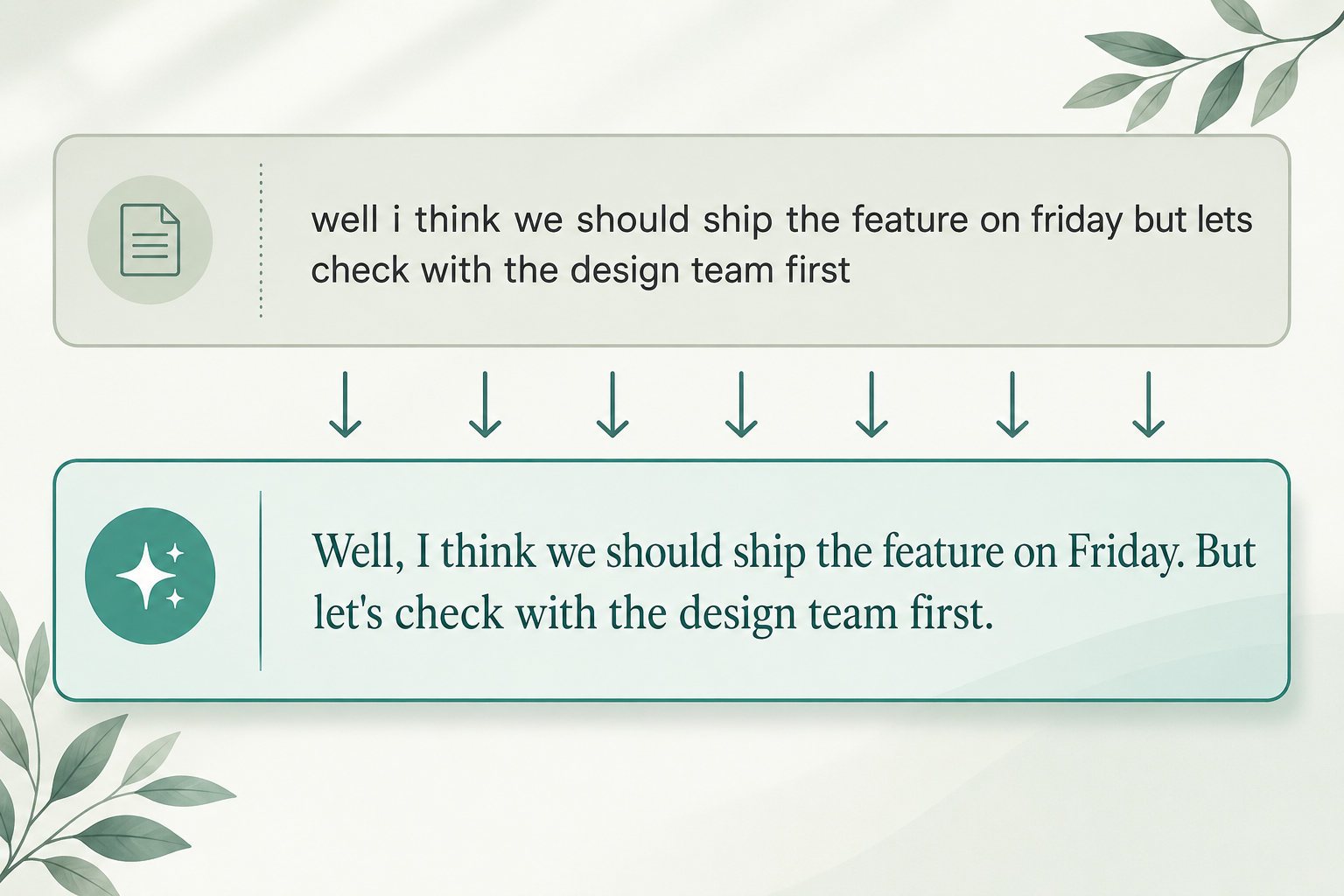
Speech recognition models hear sounds, not commas. Punctuation restoration is the step that runs after the transcription model and adds the periods, commas, question marks, and capital letters that make a transcript readable. Without it, your transcript reads as one long lowercase string of words.
Most modern services — Google, AssemblyAI, Deepgram, Whisper — handle punctuation by default. But the model adding the commas is a different model from the one transcribing the audio, and it gets things wrong in predictable ways. If you've ever wondered why an AI transcript splits a long sentence into ten short ones, or runs three sentences together with no period between them, punctuation restoration is the answer.
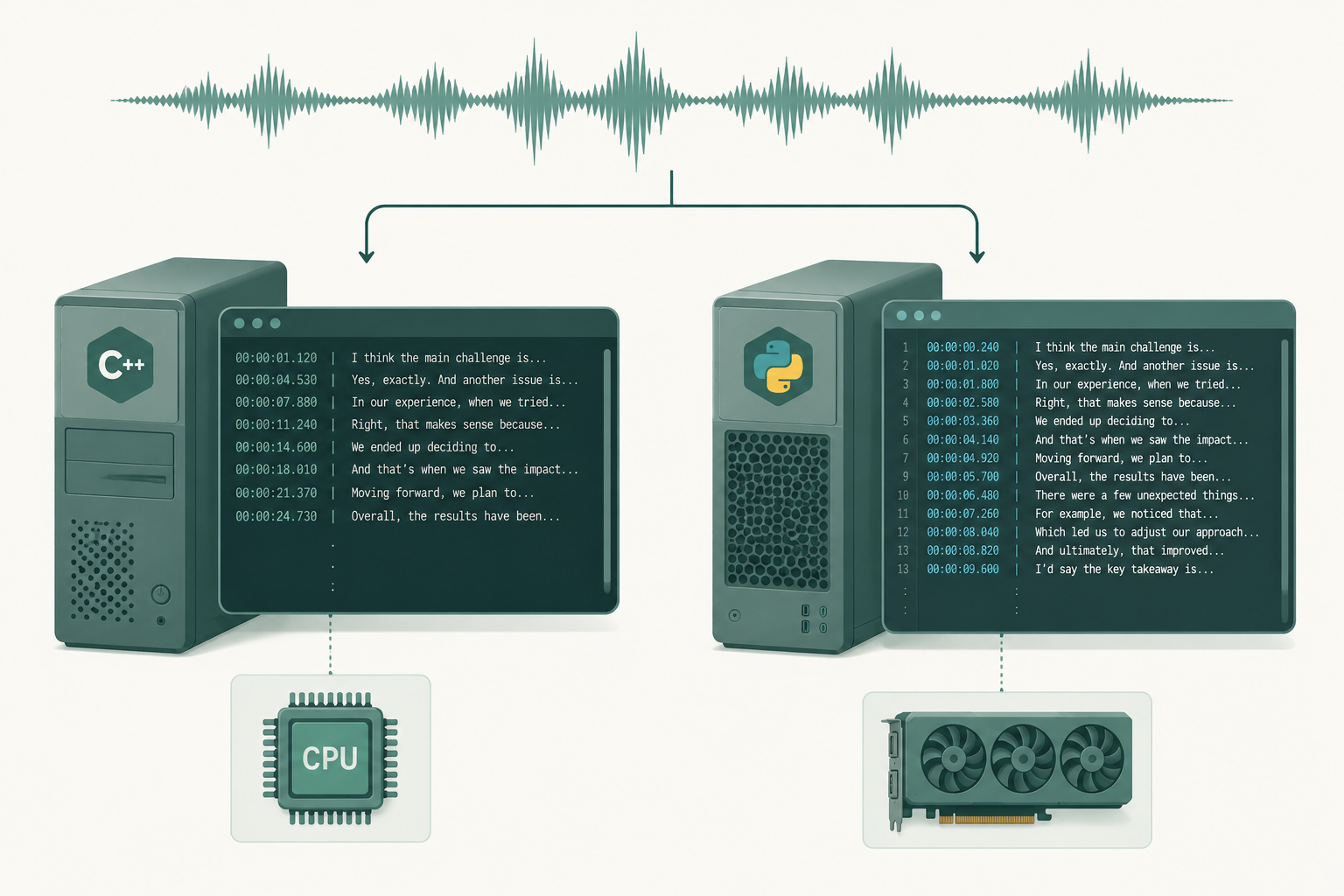
- Speech-to-text models output raw word streams; a separate model adds punctuation.
- The punctuation model only sees the words, not the audio — so pauses don't directly drive sentence breaks.
- Run-ons, choppy fragments, missing question marks, and lowercased names are the four most common failure modes.
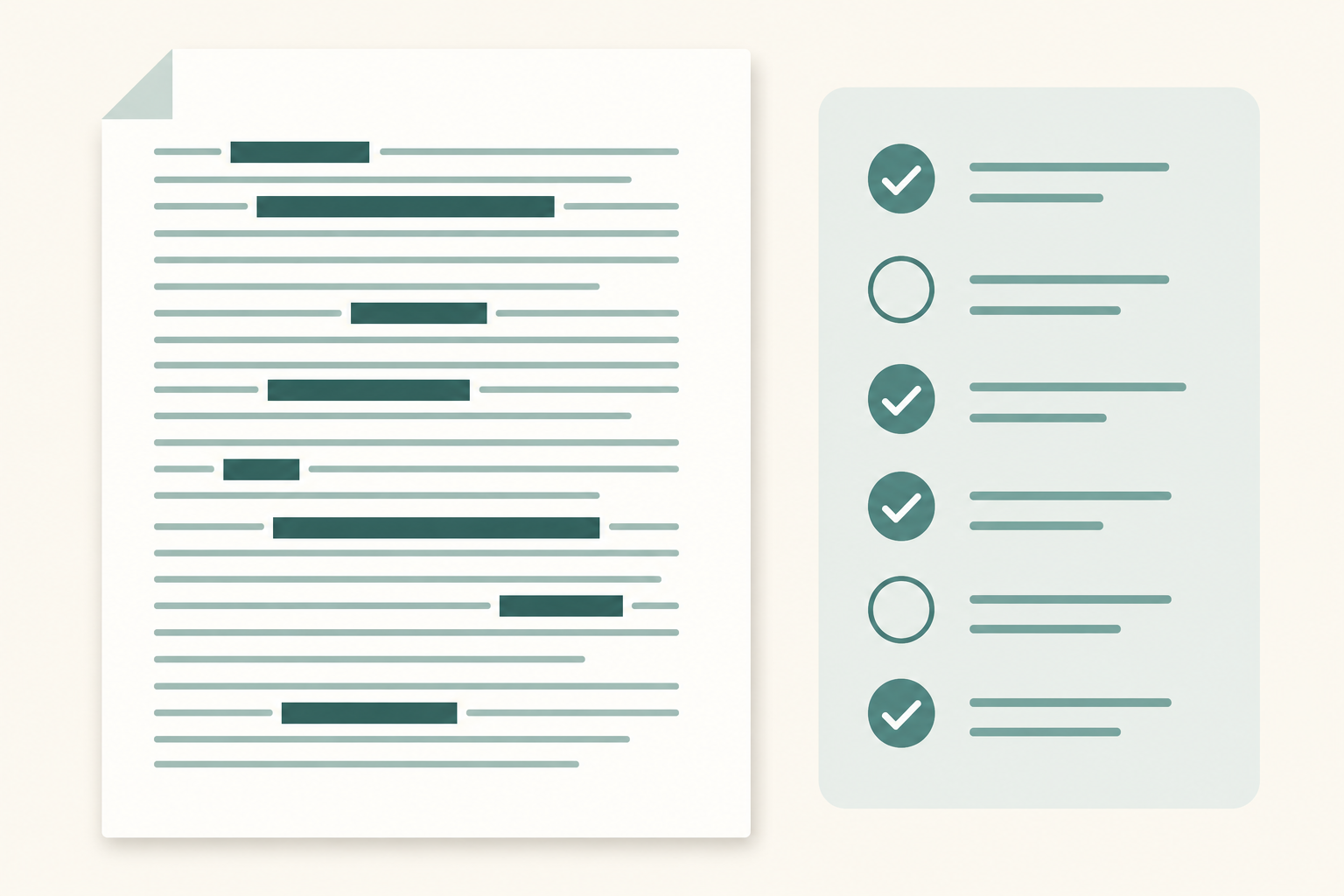
- Punctuation is usually excluded from WER, so a model can score great on accuracy and still produce an unreadable transcript.
- Auto-punctuation is a first pass, not a final draft.
What punctuation restoration actually does
Punctuation restoration (sometimes called "automatic punctuation" or "punctuation prediction") takes a stream of raw words from a speech-to-text model and inserts:
- Sentence-ending marks: periods, question marks, occasionally exclamation marks
- Within-sentence marks: commas, and less reliably semicolons, colons, and dashes
- Capitalization at the start of each new sentence
- True-casing for proper nouns, where the model is trained for it
That's the whole job. It doesn't add quotation marks, parentheses, or em-dashes. It rarely places Oxford commas consistently. And it doesn't know what the speaker meant — only what the word-stream pattern looks like statistically.
Why ASR doesn't punctuate on its own
The speech recognition model is trained to map an acoustic signal to a sequence of words. Punctuation isn't in the audio. The closest acoustic cue is the silence between phrases, but silence is a noisy signal — speakers pause inside sentences, fail to pause between them, and drop their pitch in different places depending on the language, accent, and emotion.
Trying to teach one model to both transcribe and punctuate makes both jobs harder. So most production stacks split the work. One model emits words. A second model — usually a fine-tuned BERT or T5 variant — reads those words and predicts where the marks go. Whisper is unusual in that punctuation is baked into a single end-to-end model, which is part of why its punctuation feels different (and sometimes gets invented out of thin air — see why Whisper hallucinates and how to fix it).
How punctuation models work in plain English
The model treats it as a token-classification problem. For every word in the stream, it predicts a label: no punctuation, comma, period, question mark, capitalize-next. It uses the surrounding words as context — not the audio.
Two things matter for the quality of those predictions:
- The model has to have seen enough text to know that "okay so" usually starts a new thought, or that "don't you think" usually ends in a question mark. It learns these patterns from large written corpora plus transcribed speech.
- The longer the context window, the better the long-range decisions — like where a paragraph actually ends.
This also means punctuation models inherit the biases of their training text. A model trained mostly on news articles will over-comma casual speech. One trained on chat logs will under-punctuate formal speakers. Domain mismatch is the single biggest reason your transcripts look weird.
Where punctuation restoration goes wrong
The common failure modes:
- Run-on sentences. A speaker who doesn't pause heavily — fast talkers, kids, anyone reading from a script — gives the model little to work with. You end up with 60-word sentences.
- Choppy fragments. A speaker full of disfluencies ("um, and, you know") gives the model lots of fake sentence boundaries. You get a wall of four-word sentences.
- Missing question marks. Rising intonation isn't in the word stream. Tag questions ("right?", "you know?") often lose their mark, and so does anything indirect ("I wonder if you could…").
- Mis-segmented lists. Numbered or itemized speech ("first, the budget; second, the timeline; third…") often gets a period in the middle and a comma where the period should be.
- Lowercased names. True-casing depends on the model recognizing a token as a proper noun. Unusual names, brand names, and technical terms slip through — related: why AI transcripts get names wrong.
Does punctuation count toward Word Error Rate?
Usually no. Most published WER benchmarks strip punctuation and lowercase everything before scoring, so a model can post perfect numbers and still ship transcripts that read like a wall. That's why benchmark leaders sometimes produce output that reads worse than a less-accurate model with better punctuation. If you've never dug into how the headline number gets computed, this breakdown of Word Error Rate lays it out.
Some teams report a separate "punctuation error rate" (P-ER) or use slot-error-style metrics, but there's no single industry standard for it.
How to improve punctuation in your transcripts
A few things actually help:
Pauses are clearer when there's less background noise. Audio quality matters here, even though punctuation is a text step, because cleaner audio gives cleaner word boundaries.
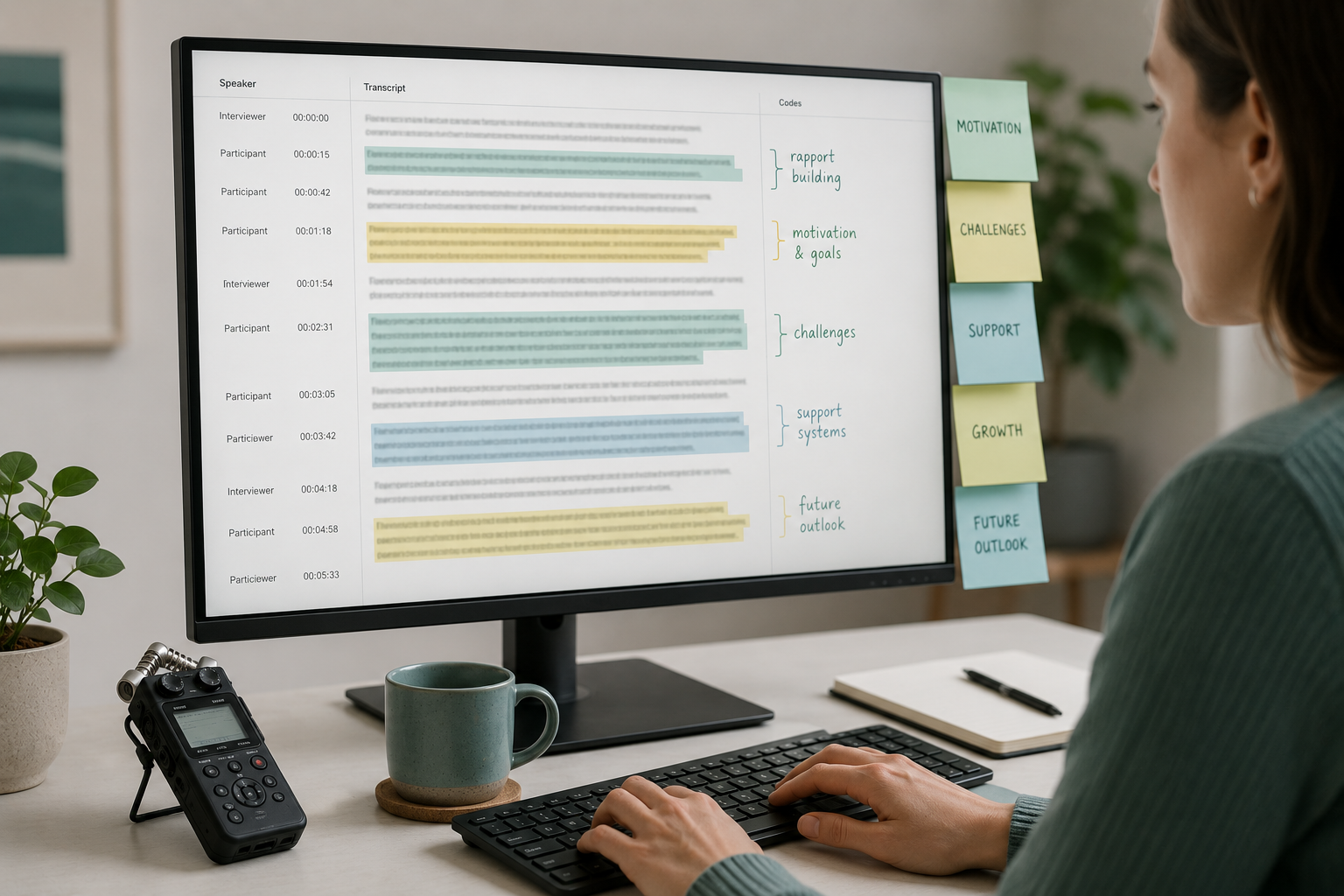
Conversational data (interviews, meetings) demands a model fine-tuned on conversational transcripts. News-trained models over-formalize casual speech.
If you're piping the transcript into another NLP system, you may want it raw. If a human is reading it, you want punctuation on.
Don't expect a model to perfectly punctuate a deposition or a panel discussion. Auto-punctuation is a starting point, not the final draft.
When you transcribe an audio or video file with VTS, punctuation is on by default. You get a punctuated, capitalized transcript you can clean up, not a wall of lowercase words.
Paste any public link or upload a file and get a clean transcript in minutes. First 3 clips every month are on us — no card required.
If you ever compare two services on the same file, you'll see how much punctuation varies. The words can match within a percentage point and the readability can still differ by a wide margin — which is the bigger point of what transcription accuracy actually means in practice.