Redact a transcript wrong and you can hand a stranger a person's name, address, and medical history without realizing it. The names get stripped, sure. Then the timestamp leaks the meeting, the audio file still has their voice, the Word file's author field is the participant's real name, and a quasi-identifier ("the lone Vietnamese-speaking pharmacist in Boise") puts a face on the data anyway.
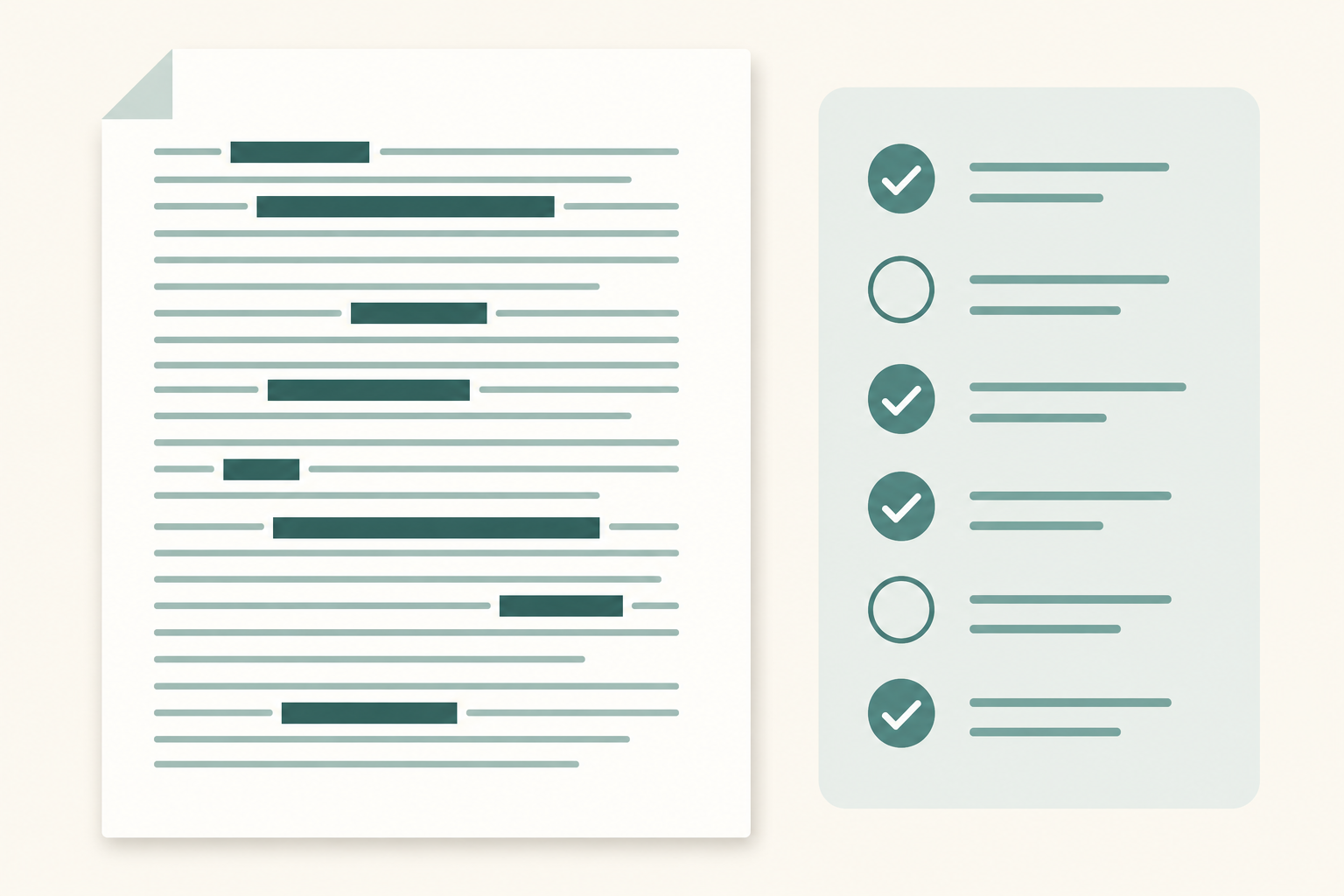
This is the checklist we use before sharing a transcript with collaborators, an IRB, a journal, or opposing counsel. Follow it and you'll catch the 26 things most reviewers miss: direct identifiers, indirect ones, the audio cues, and the file metadata.
- PII in a transcript is more than names. Quasi-identifiers (ZIP + DOB + role) re-identify ~87% of people.
- Decide upfront which standard you need: anonymization, pseudonymization, or targeted redaction.
- Black-bar-on-PDF is not redaction. Use Acrobat's Redact tool or flatten and re-OCR.
- The voice itself is biometric. Sharing audio undoes a clean transcript.
- File metadata (Word author, EXIF, filename) leaks identity even when the words are clean.
What counts as PII in a transcript?
PII isn't just names. The U.S. NIST guide (SP 800-122) splits it into two buckets: information that directly identifies a person (name, SSN, phone, email) and information that indirectly identifies them when combined with other data (date of birth, ZIP code, employer, rare condition). HIPAA's Safe Harbor method lists 18 specific identifiers you have to strip for de-identified health data, plus a catch-all for "any other unique identifying number, characteristic, or code" — meaning the rule is the spirit, not just the list.
For transcripts, the practical translation: anything that, alone or combined with two or three other things in the file, could re-identify the speaker, anyone they named, or anyone they described. That's a longer list than people think.
Before you redact: decide your goal
Decide what flavor of redaction you actually need before you start cutting. There are three:
- Anonymization: the speaker can't be re-identified by anyone. Hardest. Required for IRB-approved research releases, public datasets, and most journal supplements.
- Pseudonymization: identifiers are replaced with stable codes (
P03,Interviewer A) so analysis still works, but a key file links them back. Required for longitudinal qualitative work; not a substitute for anonymization when you share externally. - Targeted redaction: you remove only the parts a specific recipient shouldn't see (a medical detail for a court filing, a client name in a sales-call quote). Cheapest. Easy to under-do.
Match the checklist below to your goal. If you're sharing externally and aren't sure, default to anonymization.
The transcript redaction checklist
Use it in this order. Each item is "what to check + why it matters."
Phase 1: Direct identifiers (names and numbers)
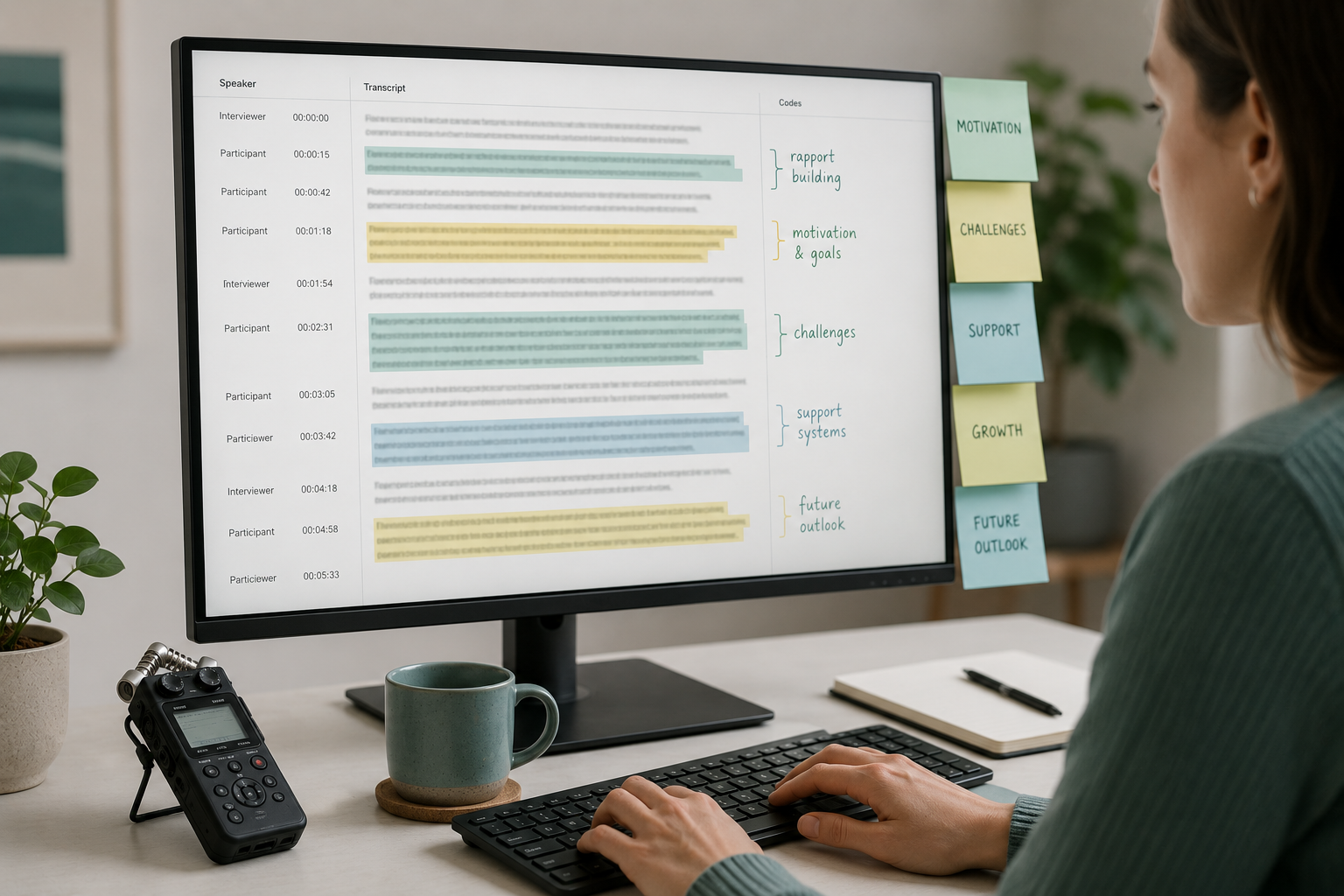
- Speaker names in the transcript body AND the speaker labels — both, not just one. See why your speaker labels are wrong and how to fix them for why the labels often leak the real name.
- Names of third parties the speaker mentioned (their spouse, child, manager, patient, client).
- Phone numbers, email addresses, physical addresses, license plates, account numbers, case numbers.
- Government IDs — SSN, driver's license, passport, NHS number, NI number.
- Employer or organization names, when the org is small enough to identify the person.
- Dates unique to the person (DOB, surgery date, hire date). The date of the interview itself is usually fine; specific personal dates are not.
Phase 2: Quasi-identifiers (the dangerous ones)
These don't identify alone; they identify in combination. The infamous example: ZIP + DOB + sex identifies roughly 87% of the U.S. population (Sweeney, 2000).
- Geography below the state level: city, neighborhood, ZIP, school name, employer location.
- Job title or role when rare ("the chief of pediatric oncology at [hospital]").
- Demographic detail that becomes unique in context (age + ethnicity + profession in a small population).
- Rare conditions, rare languages, unusual physical features the speaker described about themselves or others.
- Times and dates that pin a unique event (a specific shooting, a specific court hearing).
- References to a public event the speaker witnessed, when that event narrows the population.
Phase 3: Audio cues people forget about
These only matter if you're sharing the source audio or video alongside the transcript. Most researchers do, at some point.
- The voice itself. Voiceprints are biometric. If you share audio, you have not anonymized.
- Background sounds that locate the speaker (a specific train announcement, a school bell, the dog).
- Accent and dialect, when the population speaking that dialect in your sample is small.
- Names spoken on the recording that you redacted in the transcript but left in the audio.
Phase 4: Metadata and file leaks
The transcript itself can be clean while the file gives the person up.
- Word/PDF document properties (author, last-modified-by, company). Open File → Info → Properties and clear them.
- EXIF data on any image included as an exhibit.
- The filename —
interview_with_Jane_Smith_2025-03-04.docxis the leak. - Timestamps in the transcript that uniquely identify a meeting you can look up.
- Comments, tracked changes, and revision history.
- The sharing history in cloud files — who had access before you redacted.
Common redaction mistakes
A few patterns I see over and over.
Black bars on the PDF, but the text is still there. Drawing a rectangle over a word in a PDF viewer doesn't delete the word. Anyone who copy-pastes the "redacted" text gets the original. Use Acrobat's actual Redact tool, or export the document as a flattened image and re-OCR it.
Find-and-replace, but only for the first spelling. "Sarah" gets replaced. "sarah" in a lowercase quote doesn't. Neither does "Sara," "S.," or the speaker's last name. Search every variation.
Replacing names with [REDACTED] but keeping pronouns and possessives. "[REDACTED] said her daughter went to Northside Elementary" — you stripped the name and gave away the gender, the family structure, and the school. Replace the noun and sanitize the sentence around it.
Forgetting the speaker label. If your transcript says Interviewer: then Jane Smith:, redacting "Jane Smith" only in the body still leaves her name as a speaker label every time she talks. See speaker label format conventions for what to use instead. P03 is the standard.
Treating intelligent-edited transcripts as automatically safer. The summary may have lost identifiers; verbatim quotes you pull from it haven't. See verbatim vs intelligent transcription for the trade-off.
How to redact captions and timestamps
If your transcript is going out as captions (SRT/VTT) or has word-level timestamps:
Redact the transcript text first. Replace, don't delete. Timing has to stay aligned with the audio you'll publish.
Decide whether the timestamps themselves are sensitive. If they identify a specific known meeting, blur them by rounding to the nearest minute.
Re-export the SRT or VTT from the redacted text. Spot-check that the redaction didn't desync the captions; the fix is the same as for any SRT timing drift.
If the audio is published alongside, re-encode it with the redacted segments silenced or bleeped at the same timestamps. The transcript and the audio have to agree.
Tools: manual vs automated redaction
Manual redaction in Word or Google Docs works for one or two transcripts. For a study with 40 interviews, you want help.
- NER (named entity recognition) finds names, places, organizations, dates automatically. spaCy, Microsoft Presidio, and AWS Comprehend Medical all do this. They miss aliases and quasi-identifiers, so don't trust them as the only pass.
- Pattern matching catches structured PII (phone numbers, SSNs, emails, credit cards) with regex. Trivial to add to any script and very high-recall.
- Qualitative-research software (NVivo, Dedoose, MAXQDA) supports find-and-replace across a study and lets you keep a code-to-real-name mapping outside the transcript.
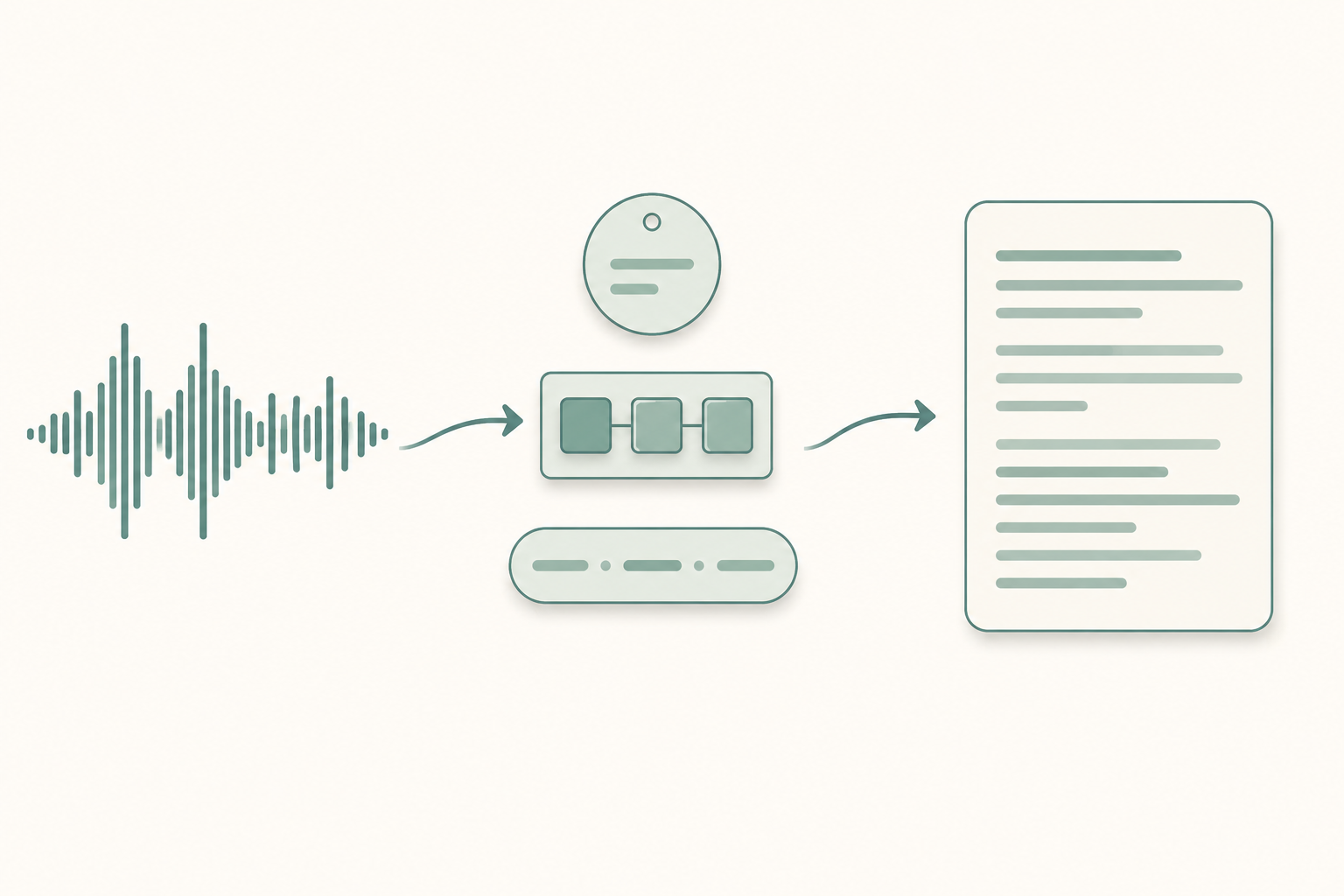
- Your transcription tool can output a clean, segmented transcript that's easier to redact than a raw Whisper dump. If you're starting from audio, transcribe a recording into clean speaker-labeled paragraphs first and redact from there.
Automated tools are a strong first pass at direct identifiers. They will miss quasi-identifiers and contextual cues. Always do a human review after.
Sharing a redacted transcript safely
You did the work. Don't undo it on the way out the door.
- Share the redacted file, not the live document. Export to a flat PDF or a new .docx scrubbed of properties.
- Don't email the redaction key with the redacted file. Separate channel, separate access list.
- Use a link with expiration if your storage supports it. Don't share the parent folder.
- Keep a log of who got which version. Re-identification often happens by collating multiple "redacted" releases.
- If you cited the interview in a paper, follow the conventions in citing interview transcripts in APA, MLA, and Chicago. The citation itself shouldn't leak anything.
Paste any public link or upload a file and get a clean transcript in minutes. First 3 clips every month are on us — no card required.
FAQ
Is a redacted transcript HIPAA-compliant?
Only if it meets one of HIPAA's two de-identification methods: Safe Harbor (you strip all 18 listed identifiers and have no actual knowledge that what's left could re-identify someone) or Expert Determination (a qualified statistician certifies the risk is very small). A casual find-and-replace is neither.
How do I redact a transcript for an IRB?
Check your IRB's protocol — most require pseudonymization with a separate key, retention of original recordings under controlled access, and a destruction date. The checklist above is a starting point; your IRB has the final word.
Can I just use AI to redact for me?
You can use AI for the first pass. NER + pattern matching catches roughly 80% of direct identifiers. It will miss aliases, quasi-identifiers, and indirect references. Always do a human review.
What's the difference between redaction and anonymization?
Redaction removes specific information. Anonymization is the standard that says nobody can re-identify the person, period. You redact to anonymize. Stripping names is redaction; making sure the file can't be re-identified even with auxiliary data is anonymization.
Does redacting the transcript also redact the audio?
No. The audio still has the voice (a biometric identifier), the background sounds, and the spoken names. If you share audio, you must redact the audio separately.
Sources
- HHS — Guidance on De-identification of Protected Health Information (HIPAA Safe Harbor)
- NIST SP 800-122 — Guide to Protecting the Confidentiality of Personally Identifiable Information
- ICO (UK) — What is personal data?
- Sweeney, L. (2000). Simple Demographics Often Identify People Uniquely.
- Microsoft Presidio — data protection and de-identification SDK