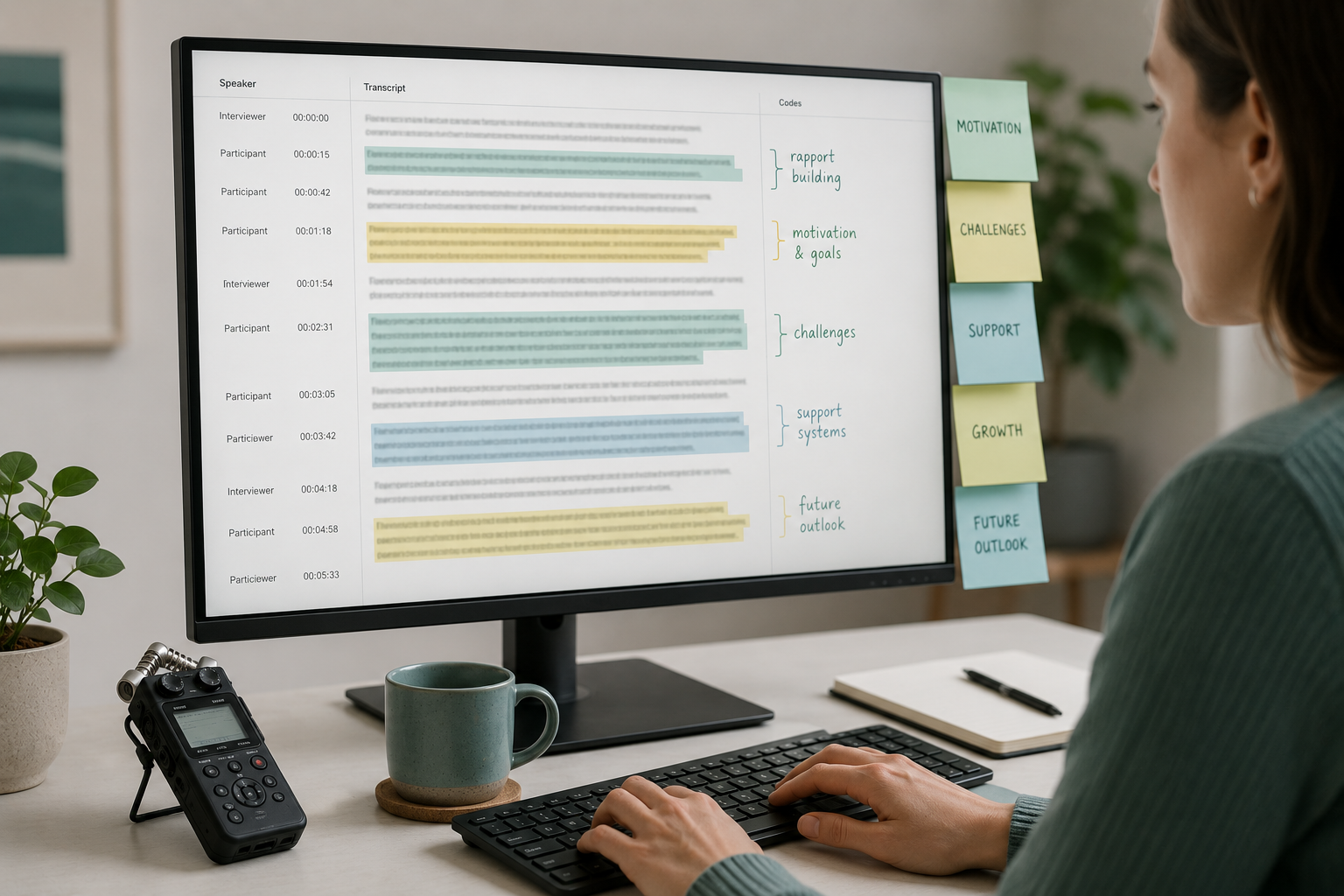
Qualitative research lives or dies on the quality of your transcripts. A good NVivo project starts with text that's accurate, properly attributed to speakers, and easy to move around. A messy transcript turns coding into a tax: you spend the first hour fixing speaker labels and the next two arguing with yourself about whether a paragraph break is a meaning unit or a fluke.
This is for researchers who already use NVivo (or are about to) and want a workflow that doesn't make them dread the import step.
- Format
.docxwith one speaker turn per paragraph and consistent labels before you import. - Use project-wide participant IDs (
P01,P02), not file-localSpeaker 1. - Edit AI transcripts before coding. AI mishears words you'll then code as evidence.
- Strip timestamps from the speaker label or NVivo's auto-code will fragment your Cases.
What "coding" means in NVivo, briefly
Coding is the act of attaching one or more labels to a passage of text. In NVivo's vocabulary those labels are called Nodes. The Node is your theme, code, or concept. The highlighted text is the evidence. Over a project you build up a hierarchy of Nodes (parent themes with child sub-themes), then run queries to see who said what about each.
NVivo doesn't care whether your transcript came from a human typist or a machine. It cares about formatting: paragraphs, speaker labels, and whether you're treating speakers as Cases.
The transcript format NVivo actually wants
The path of least resistance is plain .docx. NVivo pulls metadata out of a Word document if you format speaker turns consistently, then the Auto Code feature splits the transcript by speaker into separate Cases. That's what most researchers want for comparison queries later.
A few rules that save hours:
- One speaker turn per paragraph. No mid-paragraph speaker switches.
- A consistent speaker label format throughout. For example
INT:for interviewer andP01:for participant one. Pick one convention and use it everywhere. The speaker label conventions guide walks through the common ones. - Headings in Word's style format only when you want NVivo to auto-detect sections.
- Don't merge timestamps into the speaker label. NVivo will treat the whole string as a unique speaker and fragment your case data.
Sounds fussy. It is. Fixing this at the transcription stage costs ten minutes. Fixing it after you've already coded a hundred passages costs you a weekend.
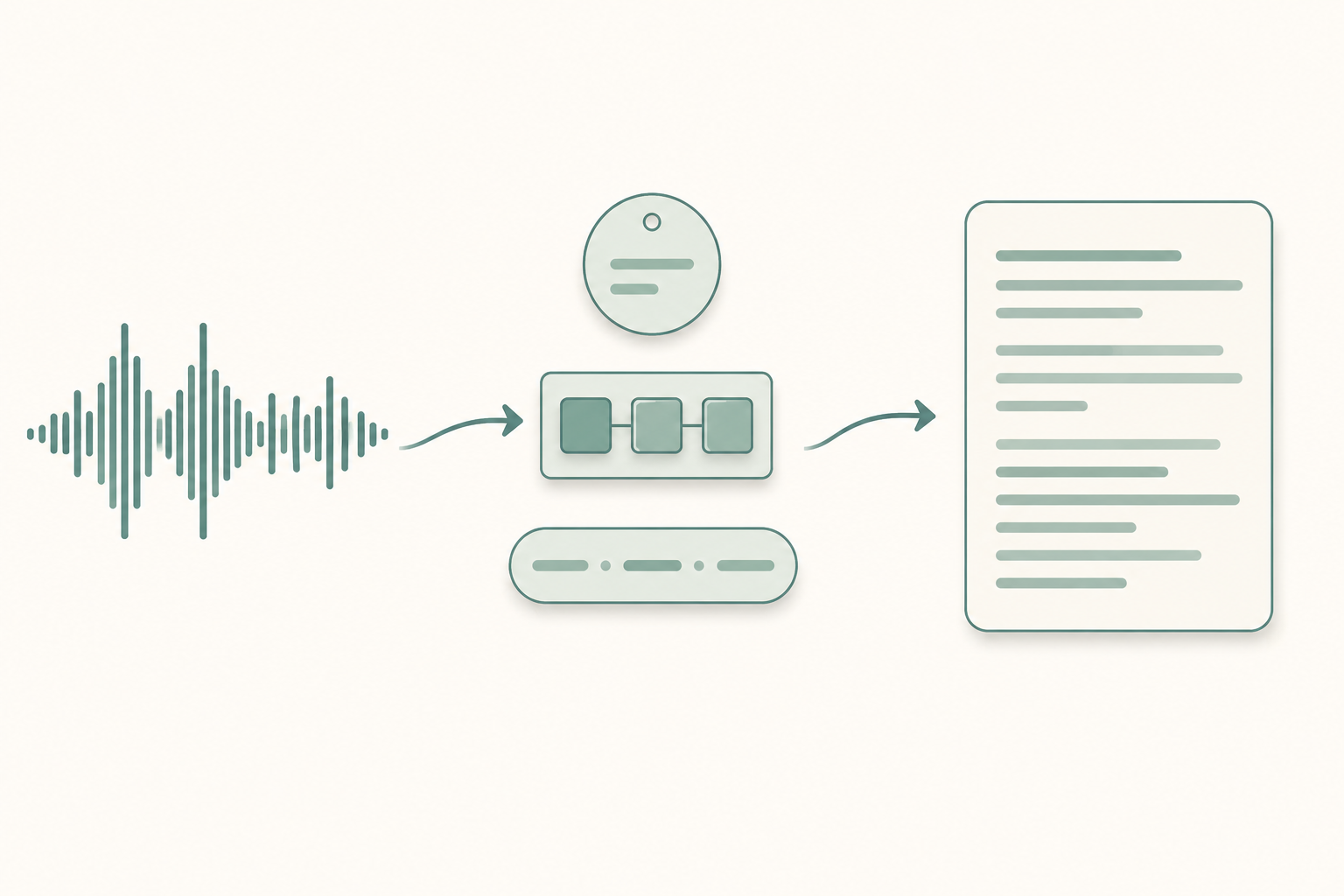
From recording to coded data: the full workflow
The path most researchers I know actually follow:
A lavalier or boundary mic, a quiet room, consent paperwork on file. The interview recording checklist covers the small things that make a big accuracy difference downstream.
A 60-minute interview that took a human typist four hours now takes about three minutes and costs a few dollars. You can transcribe an interview file in the background while you make coffee.
Listen along with the audio and clean up what your tool got wrong: names, jargon, overlapping speech. Decide upfront whether you want strict verbatim (every "um", every false start) or intelligent verbatim (the meaning, cleaned up). For most qualitative analysis, intelligent is enough. For conversation analysis or linguistic work, you need strict. See the verbatim vs intelligent decision for the trade-offs.
Find-and-replace through every file so Speaker 1 becomes INT, Speaker 2 becomes P01, and so on. Use participant IDs that are stable across the whole project.
File → Import → Files. Select your .docx set.
Right-click the file → Auto Code → Speaker name pattern. NVivo creates a Case for each speaker. Now your queries can ask "what did P03 say about consent?" without you doing anything else.
Open a transcript, highlight a passage, drag it to a Node. Build the codebook as you go. Memo as you code. The memo is where the insight actually lives.
Skip step 4 and step 6 falls apart. You'll be stuck merging Cases by hand for hours.
Coding speaker turns vs. coding meaning units
Two camps. One says the analytical unit is the speaker turn: whatever the participant said before the interviewer spoke again. The other says it's the meaning unit, a phrase or sentence or paragraph that expresses one idea, even if it's a fragment of a longer turn.
Neither is wrong. Turn-based is faster and gives cleaner queries by speaker. Meaning-unit is slower but gives you finer-grained analysis with more decisions per page.
If your research question is "how do these participants frame X?", code meaning units. If it's "do these two groups talk about X differently?", turns are fine.
NVivo handles both. Just be consistent within a project. Half turn-level, half sentence-level, and your frequency counts mean nothing.
Common mistakes when coding AI-generated transcripts
A few patterns that cost researchers time:
- Coding before editing. AI transcripts mishear names, technical terms, and accented speech. If you code a passage where the tool wrote "concert" instead of "consent", you've coded the wrong thing. Always edit first. There's a separate post on why AI transcripts get names wrong if you want the underlying causes.
- Inconsistent speaker labels across files. Participant 1 in interview A and Participant 1 in interview B are different people. Use participant-specific labels (
P01,P02) across the whole project, not per-fileSpeaker 1. - Treating timestamps as part of the text. If your transcript has
[00:05:12] P01: I think…, strip the timestamp before import or NVivo will treat the whole bracket as part of the speaker name. A regex find-and-replace handles it in one pass. - Coding the interviewer's questions as evidence. Code participant text. The interviewer's prompts go in a separate "Interviewer Questions" file or get excluded from coding queries entirely. Otherwise your themes get contaminated by what you asked, not by what they answered.
- Forgetting to anonymize. If you promised pseudonyms in your IRB application, anonymize at the transcript stage, before import. Going back to redact a transcript already coded to dozens of Nodes is painful.
NVivo vs. Atlas.ti vs. MAXQDA: does the transcript work the same?
Mostly yes. All three CAQDAS tools accept .docx and .txt. All three have a speaker auto-code feature. All three handle thematic and case-based coding.
Differences worth knowing:
- NVivo uses Word's heading styles aggressively. Format your
.docxproperly and you get auto-coded sections, case attribution, and node hierarchy with one import. It's the most opinionated about input. - Atlas.ti is more forgiving about format and stronger for visual network analysis. Same transcript, different ergonomics.
- MAXQDA sits in the middle and has the best in-app transcription tool if you want to transcribe directly inside the software.
In all three, the transcript quality determines the analysis quality. There's no software workaround for a transcript where the speakers are mislabeled.
A note on IRB and consent
If your IRB requires participants to consent to AI processing of their audio, your consent form needs to say so explicitly. The interview consent form templates post has language you can adapt. Keep the original audio under access controls. Don't upload to tools that retain your data for training.
Paste any public link or upload a file and get a clean transcript in minutes. First 3 clips every month are on us — no card required.
The transcript is the foundation. If the bottom is uneven, every code, every theme, every quote you pull for the methods chapter is uneven too. A clean import is worth the hour it costs you.