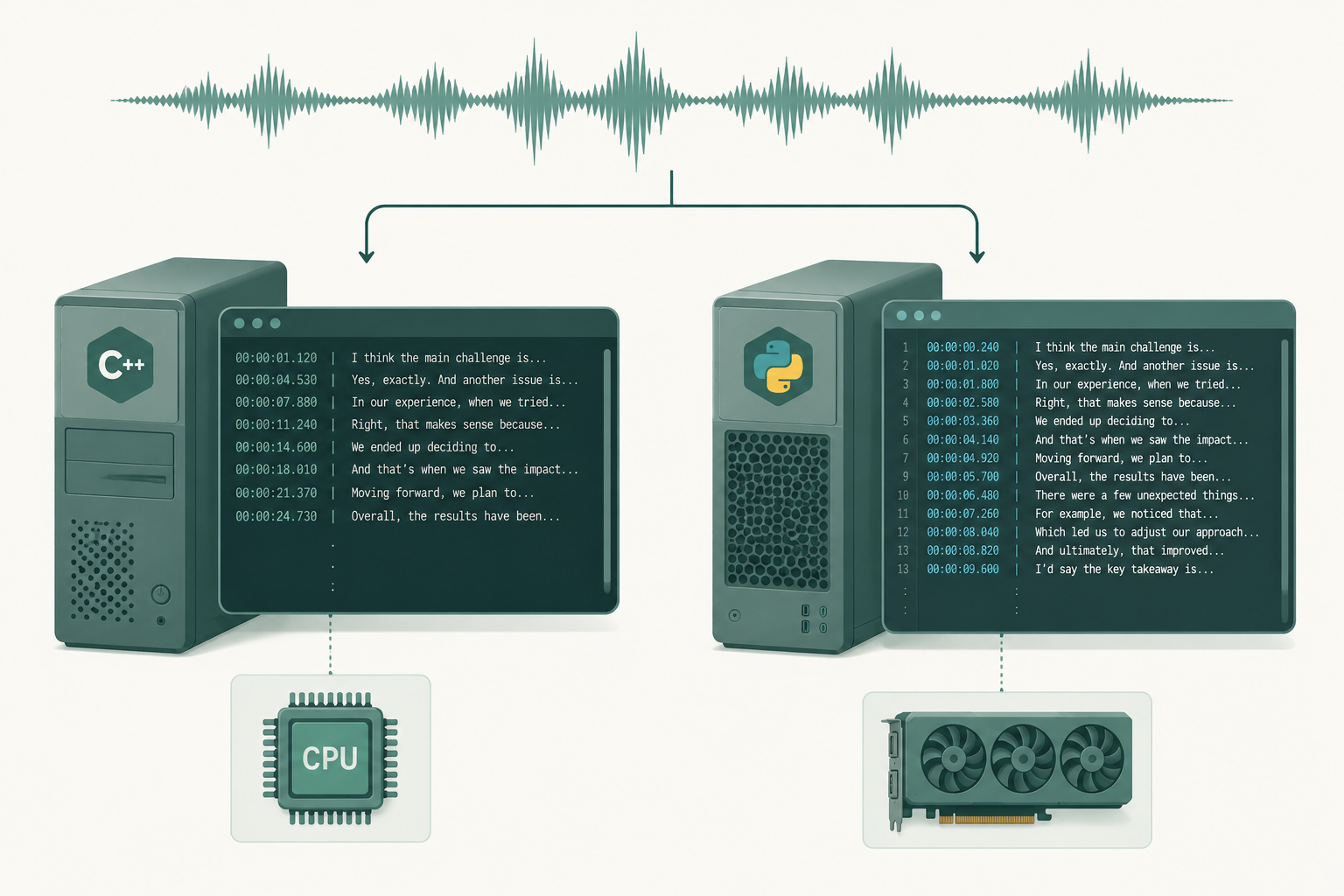
If you want to run Whisper locally — no API bills, no audio leaving your machine — you'll end up comparing two ports: whisper.cpp by Georgi Gerganov and faster-whisper by SYSTRAN. Both are wrappers around the same OpenAI Whisper models. They are not the same project, and the right pick depends almost entirely on your hardware.
The short version: pick whisper.cpp if your only machine is a laptop (especially an Apple Silicon Mac) and you want a single binary. Pick faster-whisper if you have an NVIDIA GPU and want a Python library with batched inference, word timestamps, and VAD baked in.
The rest of this post is the trade-offs in detail, and when to skip both.
What's the difference between whisper.cpp and faster-whisper?
They are two independent reimplementations of OpenAI Whisper:
- whisper.cpp is a pure C/C++ implementation built on the GGML tensor library (the same one behind llama.cpp). It compiles to a single binary, runs on CPU, supports Apple Metal and Core ML on Apple Silicon, and supports quantized models (Q5_0, Q5_1, Q8_0) that cut memory use roughly in half with a small accuracy hit.
- faster-whisper is a Python library built on CTranslate2, a fast inference engine for transformer models. It runs on CPU and GPU (CUDA), supports int8 quantization, batched inference, word-level timestamps, and bundles Silero VAD so you can skip silent regions before running the model.
Same architecture, same models. The .pt weights are converted into different on-disk formats (.bin GGML for one, CTranslate2 directories for the other), but the network underneath is identical. Performance and ergonomics is where they diverge.
If you also want the comparison against the original Python implementation from OpenAI, we covered that in faster-whisper vs OpenAI Whisper.
Which is faster: whisper.cpp or faster-whisper?
It depends on what you're running on.
| Hardware | Faster choice |
|---|---|
| NVIDIA GPU (RTX 3060+) | faster-whisper, by a large margin |
| Apple Silicon (M1/M2/M3/M4) | whisper.cpp with Metal + Core ML |
| Mid-range x86 CPU only | About the same, leaning faster-whisper with int8 |
| Old laptop / Raspberry Pi | whisper.cpp with a quantized tiny/base model |
On an NVIDIA GPU, faster-whisper is the clear winner. CTranslate2 plus batching can push large-v3 into multi-times-realtime territory on a single mid-range card. whisper.cpp does not target CUDA the same way and gives up most of the gap.
On a Mac, the picture flips. whisper.cpp has invested heavily in Metal kernels and Core ML conversion, which lets it use the Apple Neural Engine. On an M-series chip with Core ML enabled, the medium model runs comfortably real-time; faster-whisper on the same machine is CPU-only and slower.
For batch processing many short clips, faster-whisper's BatchedInferencePipeline (added in 1.0) is a real advantage — you can saturate a GPU instead of feeding it one file at a time.
Does whisper.cpp support GPU?
Partially. It has CUDA support, but it isn't the primary target and lags faster-whisper on NVIDIA hardware. The backends it does well are:
- Apple Metal (M-series Macs) — fast and well-tuned
- Core ML on Apple Silicon — uses the Neural Engine
- Vulkan — broader GPU compatibility (AMD, Intel), still maturing
- OpenCL — works but receives less attention than the others
If your hardware is an NVIDIA GPU, faster-whisper is the path of least resistance. If your hardware is anything else, whisper.cpp is usually the better-supported option.
Which has better accuracy?
If you load the same model (e.g. large-v3 at full precision), the word error rate is essentially the same. They are both running the same neural net.
Quantization changes that slightly:
- whisper.cpp Q5_0 / Q8_0 — small WER bump, usually under a point on clean English audio. Big memory savings.
- faster-whisper int8 — similar story. The CTranslate2 int8 implementation is high-quality.
Where you'll see real accuracy differences is in the surrounding pipeline, not the model itself:
- VAD handling. faster-whisper's bundled Silero VAD trims silence and reduces Whisper hallucinations on long files with quiet stretches. whisper.cpp has VAD support too, but it isn't as plug-and-play.
- Word timestamps. faster-whisper exposes word-level timestamps cleanly through its segments API. whisper.cpp supports them with the
-mlflag but the output is less convenient for downstream tooling. - Long-file segmentation. Both can skip words on noisy or long audio. faster-whisper's VAD-first pipeline tends to be more robust out of the box.
If accuracy on accented or noisy audio is the bottleneck, the model choice matters far more than the runtime. The runtime is mostly an engineering decision; the model is the linguistics one.
Which is easier to set up?
whisper.cpp:
git clone https://github.com/ggerganov/whisper.cpp
cd whisper.cpp && make
bash ./models/download-ggml-model.sh base.en
./main -m models/ggml-base.en.bin -f samples/jfk.wav
That's the whole flow. One binary, one model file, plays well in Docker, plays well on a server with no Python installed.
faster-whisper:
pip install faster-whisper
Then in Python:
from faster_whisper import WhisperModel

model = WhisperModel("large-v3", device="cuda", compute_type="float16")
segments, info = model.transcribe(
    "audio.mp3", vad_filter=True, word_timestamps=True
)
for s in segments:
    print(s.start, s.end, s.text)
If you live in Python and want a library to call, faster-whisper wins. If you want a CLI you can drop into a shell script or ship inside a slim container with no Python runtime, whisper.cpp wins.
What about memory?
For the same model, rough memory footprints:
- large-v3 full precision — ~6 GB RAM/VRAM
- large-v3 int8 / Q5 — ~2–3 GB
- medium full — ~2 GB
- base — ~290 MB
Both runtimes can load quantized models. whisper.cpp's GGML quantization is the more aggressive end of that spectrum and is useful when you're squeezing the model onto a Raspberry Pi or a small VPS.
Which should you pick?
- You have an NVIDIA GPU → faster-whisper.
- You have an Apple Silicon Mac → whisper.cpp with Core ML.
- You want a single binary, no Python, embedded in a service → whisper.cpp.
- You want a Python library with batching, VAD, word timestamps out of the box → faster-whisper.
- CPU-only and want the best quality per CPU-second → faster-whisper with int8, or whisper.cpp Q8_0 if RAM is tight.
For most production pipelines, faster-whisper is the safer default. Python ecosystems are easier to wire into queues, batching matters at scale, and VAD-out-of-the-box matters more than people expect. The exception is anything Mac-native or anything that has to run on minimal hardware — that's whisper.cpp's lane.
When to skip both
Running Whisper locally is never actually free. You pay in setup time, GPU cost, queue management, error handling, retries, monitoring, and the operational tax of keeping it running. For accents and noisy audio you'll also end up wiring up the fixes we covered in accented English transcription.
If your volume is under a few hundred hours a year, a hosted service is almost always cheaper than a GPU box plus your time. We built VTS so you can drop in a file and get a clean transcript without any of that — same Whisper-family accuracy, no infrastructure to maintain.
If your volume is higher than that, or your audio can't leave your network, run faster-whisper on a GPU and budget for someone to babysit it. That's a real, valid choice. Just price the engineering hours into the build.
Paste any public link or upload a file and get a clean transcript in minutes. First 3 clips every month are on us — no card required.